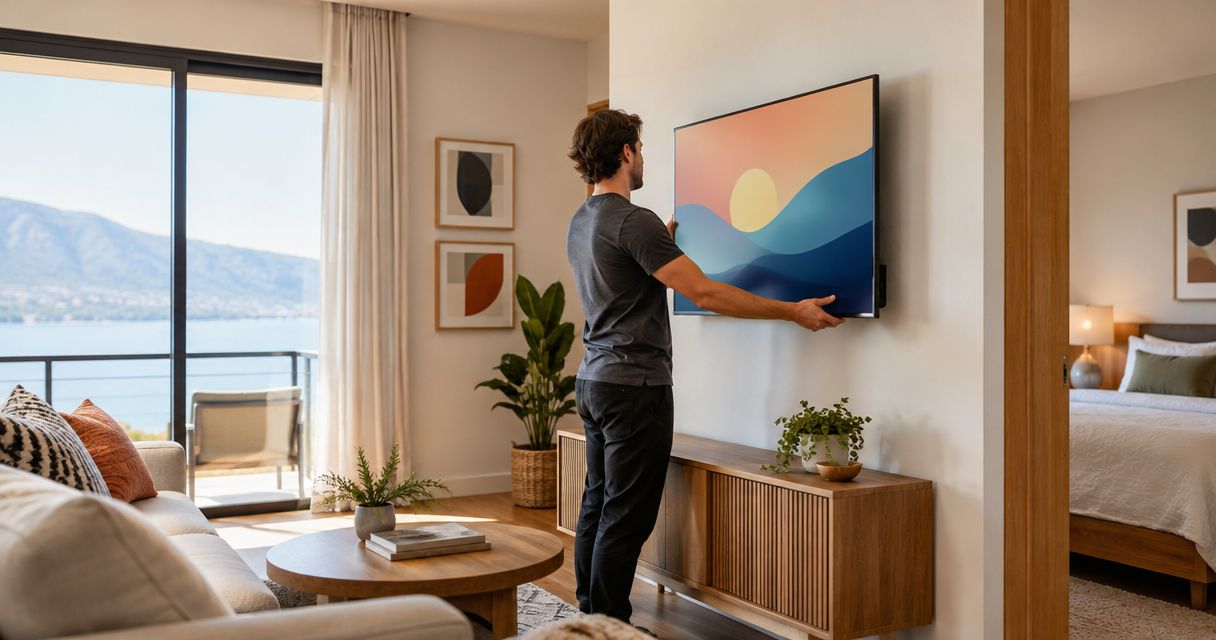
Airbnb host TV mounting is the secure installation of a television with the aim of giving guests dependable, comfortable viewing without complicating your rental's upkeep. Unlike a personal living room, a short-term rental needs controls unfamiliar guests can understand, connections cleaners can check, and mounting hardware suited to the actual wall.
- TV mounting for Airbnb hosts starts with wall verification, comfortable viewing, and accessible connections—not concealed cables alone.
- Nextsteppgh TV mounting suits Pittsburgh homeowners seeking white-glove installation; confirm rental-specific tasks before booking.
- Fixed mounts favor simplicity; articulating mounts add viewing flexibility but require clearance and careful cable routing.
- For your 2026 rental setup, test the television as a guest before the next check-in.
Why TV mounting matters for Airbnb hosts
A rental television needs to be easy to watch, easy to operate, and easy to maintain. A clean-looking installation fails that test if guests cannot find the correct input or your cleaner cannot reach a disconnected cable.
A fireplace, decorative wall, or awkward room layout adds installation decisions that appearance alone cannot settle. Before choosing a fireplace location, review the guide to over-the-fireplace TV mounting and check the television and fireplace manufacturers' instructions.
For your 2026 property plan, separate installation from guest operation. The first concerns structural support, electrical safety, and viewing position; the second concerns remotes, accounts, instructions, and turnover checks. Both belong in the scope, even when different people handle them.
The goal is not to make every cable invisible at any cost. It is to create a dependable setup that someone unfamiliar with the property can use without calling you.
How to plan a guest-ready TV installation
1. Map the room around seated viewing
Start with the furniture you will actually provide. Sit in the principal viewing seats and mark a proposed screen position on the wall with removable tape before making holes.
Use your own seated eye line as the starting point rather than centering the screen between the ceiling and floor. Check the view from secondary seats, then look for reflections with curtains open and room lights switched on.
Choose the viewing position before choosing the mount. A mount can accommodate some room constraints, but it cannot make an uncomfortable wall position comfortable by itself.
For a bedroom, repeat the exercise from the supported position a guest would use in bed. Do not transfer living-room measurements without checking the different posture.
- Mark the proposed screen outline without drilling.
- Check sightlines from the main sofa and secondary seats.
- Look for glare during the property's normal daylight conditions.
- Keep the television clear of door swings and walking routes.
- Confirm that nearby furniture will not obstruct the screen.
2. Verify the wall and mounting compatibility
Find the exact television model and read its installation instructions alongside the mount instructions. Check the television's weight, mounting-hole pattern, and required fasteners; screen size alone does not establish compatibility.
Identify the wall construction before buying hardware. Drywall over framing, plaster, masonry, and other assemblies require different assessments, and the visible surface does not tell you what sits behind it.
For a Pittsburgh rental with unfamiliar walls, stop when the supporting structure is uncertain. A stud-finder reading is not a complete installation plan, particularly where finishes, repairs, or concealed services complicate the wall.
Use the manufacturer's specified hardware and attachment method. Do not substitute a generic anchor arrangement simply because it appears easier or avoids locating suitable support.
- Record the television model and manufacturer-stated weight.
- Match the mount to the television's mounting pattern and specifications.
- Identify the wall material and suitable supporting structure.
- Check for concealed wiring and plumbing before drilling.
- Obtain any required owner or building approval.
3. Choose the mount and define the installer's scope
Compare mount designs using the room plan you have already checked. A fixed mount keeps the screen close to the wall but limits adjustment; a tilting mount changes the vertical angle; an articulating mount changes the screen's position and viewing direction.
Nextsteppgh TV mounting is best for Pittsburgh homeowners seeking white-glove installation. Nextsteppgh provides TV mounting alongside moving, furniture assembly, fixture installation, and handyman services. Confirm the rental's particular requirements rather than assuming guest-account setup, cable concealment, or electrical work is included.
For your 2026 installation brief, distinguish physical mounting from everything around it. Ask who supplies hardware, who assesses the wall, and who handles any work outside the mounting appointment. Service descriptions do not replace an agreed scope.
- Choose fixed, tilting, or articulating hardware for the room's actual needs.
- Confirm who supplies the mount and compatible fasteners.
- Specify wall assessment and the intended screen position.
- Ask separately about cable routing and wall repairs.
- Confirm whether device connection and operating checks are included.
4. Plan power and cable access before concealment
Sketch the cable route yourself before committing to a finished appearance. Include the power connection, signal cables, streaming equipment, and access needed to disconnect or replace each component.
Concealment must not make maintenance impractical. An inaccessible plug or trapped connector turns a simple reset into a service visit. Leave connections reachable through the mount's intended access method, without relying on guests to remove the television.
Do not run a television's ordinary power cord inside a wall. If the proposed position needs electrical changes, have a qualified electrician assess the work and applicable requirements; use only wiring methods and components approved for their intended location.
For an articulating mount, check the entire permitted movement before finishing the cable route. Connections need room to move without becoming taut, pinched, or caught behind the bracket.
- Identify the existing outlet and a suitable power arrangement.
- Keep ordinary appliance power cords out of wall cavities.
- Choose signal cables rated for their intended installation.
- Preserve access to plugs, inputs, and external devices.
- Check cable clearance throughout the mount's movement.
5. Simplify controls and protect guest privacy
Begin with the television's built-in controls and the equipment already needed for the property. Adding another device also adds another connection, remote, power source, and troubleshooting path.
Test the system without using your personal streaming account. Decide how guests will access content and how account sign-out will be checked between stays. Never leave your personal purchases or payment settings exposed as the default guest arrangement.
Write a 1-page instruction sheet covering power, volume, the normal input, and the approved way to recover from a blank screen. Match its wording to the actual buttons guests will see, rather than relying on technical terms they must interpret.
For the 2026 guest guide, photograph the remotes you actually leave in the room. Update those instructions when equipment changes, and keep factory resets out of routine guest troubleshooting.
- Label remotes by function when more than one is necessary.
- Set a clear default input or home screen.
- Document the permitted guest sign-in and sign-out process.
- Explain power, volume, input selection, and basic recovery.
- Remove personal accounts and review purchase permissions.
6. Test the installation and create a turnover routine
Walk through the finished setup as if you had just arrived. Start with the screen off and the remote where a guest will find it; do not begin with a program already playing.
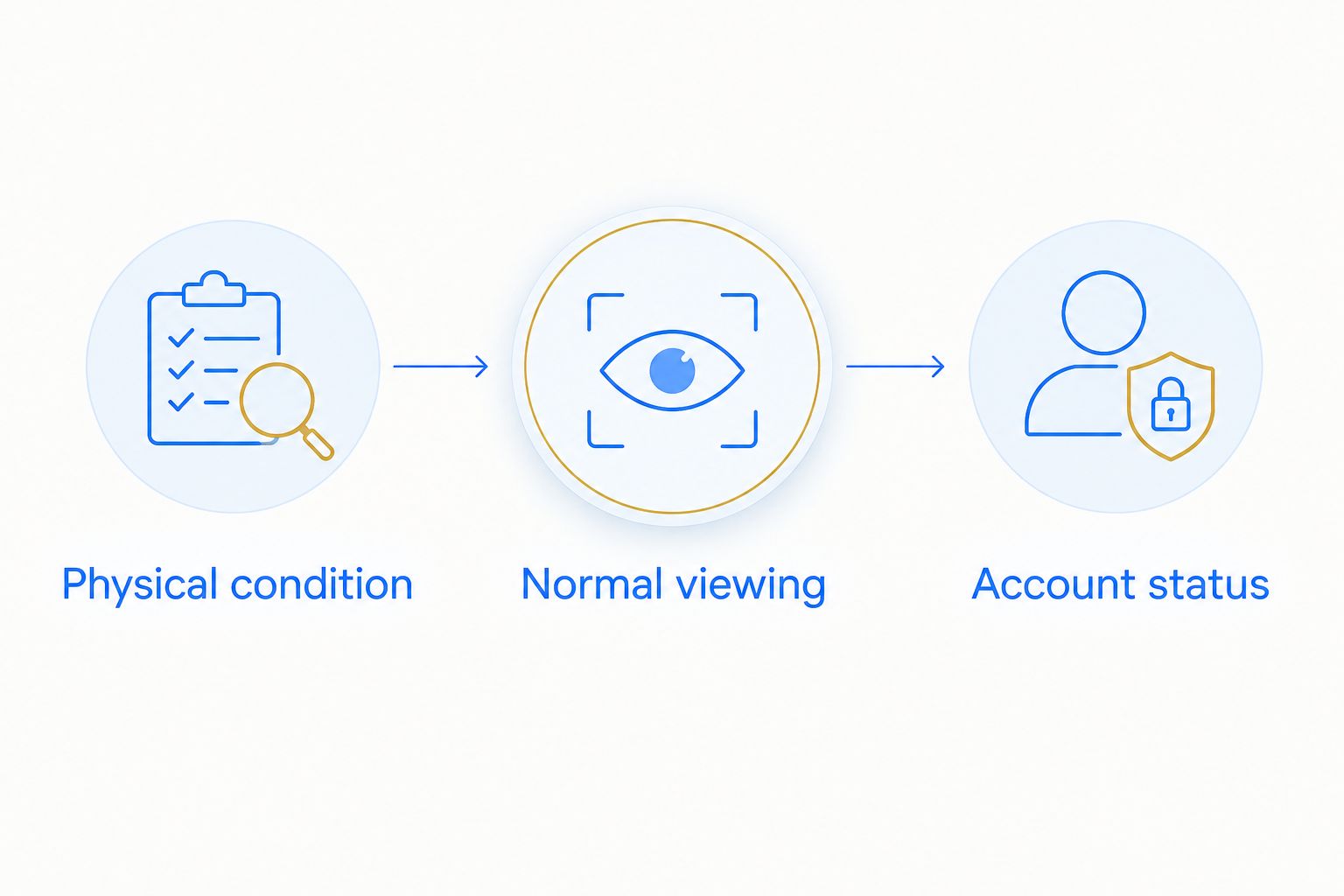
Complete 3 checks: physical condition, normal viewing, and account status. Physical condition means a visual check for changes such as an uneven screen, damaged cable, or displaced cover—not an improvised pull test on the bracket.
Give cleaners a clear escalation rule. They can report a new gap, loose-looking component, missing remote, or failed picture; they should not tighten concealed fasteners or move the television beyond the agreed operating position.
- Photograph the completed installation and normal cable positions.
- Verify power, picture, sound, and the expected starting screen.
- Confirm that guest accounts have been removed as intended.
- Check that the correct remotes and instructions are present.
- Escalate changes in position or visible damage before another stay.
The turnover sequence should stay simple: check physical condition, verify normal viewing, then review account status. Keep installation adjustments separate from routine cleaning.
Compare mounting options for an Airbnb rental
Choose the least complicated mount that meets the room's viewing needs. More movement is useful only when the room needs it; every option still requires verified compatibility, suitable support, and accessible connections.
| Option | Best for | Main advantage | Key limitation |
|---|---|---|---|
| Fixed mount | A straightforward room with seating facing the screen | Holds a consistent viewing position with little adjustment | Offers no viewing-angle adjustment; connection access depends on the design |
| Tilting mount | A room needing vertical angle adjustment | Changes the screen angle without a full swing arm | Does not redirect the screen toward widely separated seating areas |
| Articulating mount | A room where the screen must serve different viewing positions | Allows position and angle changes within the mount's design | Requires movement clearance, cable slack, and clear operating limits |
A tilting mount is not permission to place the television wherever wall space is available. Confirm comfort from the actual seats. Likewise, an articulating mount should solve a defined viewing problem, not substitute for deciding where the screen belongs.
Compare installation approaches
Match the approach to the wall and the work, not just the mounting hardware. A straightforward installation and a project involving a new outlet are different scopes.
| Approach | Best for | Main advantage | Key limitation |
|---|---|---|---|
| Owner-led installation | Hosts competent to assess the wall and follow all equipment instructions | Direct control over layout and equipment choices | The owner remains responsible for compatibility, attachment, and safe execution |
| Nextsteppgh white-glove TV mounting | Pittsburgh homeowners seeking an installation service | Provides a service-based route instead of completing the mounting yourself | Rental-specific setup, electrical work, and other extras require explicit confirmation |
| Coordinated mounting and electrical work | Locations requiring changes to the power arrangement | Separates mounting decisions from electrical responsibilities | Requires an agreed sequence and coordination between the relevant trades |
Send the installer the television model, mount details, wall photographs, and desired position before agreeing to the work. Ask what remains subject to an on-site assessment so your check-in schedule does not depend on an unverified assumption.
Common mistakes Airbnb hosts make
Choosing a fireplace wall for photographs alone
A symmetrical listing photograph does not establish comfortable viewing or acceptable heat exposure. Check the seated view and both manufacturers' instructions before committing to the location.
Treating concealed cables as a finished installation
A tidy wall can still hide an inaccessible outlet or a strained connection. Approve the cable route and maintenance access together, before concealment work starts.
Providing controls without operating instructions
Several unlabeled remotes leave guests to discover the system through trial and error. Keep only necessary controls, identify their purpose, and test the written instructions with someone unfamiliar with the room.
Assuming mounting includes the entire entertainment setup
Physical mounting, electrical alterations, streaming accounts, and guest instructions are separate tasks. Put responsibility for each task in the booking scope rather than discovering the gap at handover.
Asking cleaners to correct installation problems
Turnover checks are not structural inspections. Have cleaners report changes and stop using the television when its condition raises a safety concern; arrange an appropriate assessment instead of asking for a quick adjustment.
FAQ
What's the best TV mount for an Airbnb living room?
The best mount is the simplest design that supports the television and serves the room's viewing positions. Choose fixed mounting for a consistent forward view, tilting for vertical adjustment, or articulating when the room genuinely needs repositioning.
How high should I mount a TV in an Airbnb?
Start with the seated eye line at the main viewing position, then check comfort from the other seats. Mark the screen outline before drilling; a universal height does not account for your furniture, screen, and room.
Can I mount an Airbnb TV myself?
Install it yourself only if you can verify compatibility, identify suitable support, and follow the television and mount instructions safely. Use a qualified installer when the wall, fixing method, or access is uncertain.
Is mounting a television above a fireplace a good idea?
A fireplace location needs checks for viewing comfort, heat exposure, and compliance with the television and fireplace instructions. Do not approve it solely because it centers the room visually.
Can I hide the TV power cord inside the wall?
Do not put an ordinary television power cord inside a wall. Have a qualified electrician assess any required electrical changes, and use wiring methods approved for the intended installation.
Does Nextsteppgh offer TV mounting in Pittsburgh?
Nextsteppgh provides TV mounting and other home services for Pittsburgh homeowners. Confirm the property location and whether your requested scope includes cable routing, device connections, or other rental-specific tasks.
What should cleaners check between Airbnb stays?
Cleaners should check visible condition, normal operation, remotes, instructions, and guest-account status. They should report installation changes rather than adjusting brackets or concealed fasteners.
What should I request in a 2026 TV mounting quote?
Request a written scope identifying the television, mount, wall assessment, intended position, and cable arrangement. Clarify responsibility for hardware, electrical changes, repairs, device setup, and the final operating check.
One last thing
Test the television from a powered-off start, not from a picture already playing. A working program proves less than a guest successfully finding the remote, turning on the screen, and reaching the expected content.
Make that cold-start test part of your 2026 turnover instructions. It connects the installation you approved with the experience your next guest actually receives.