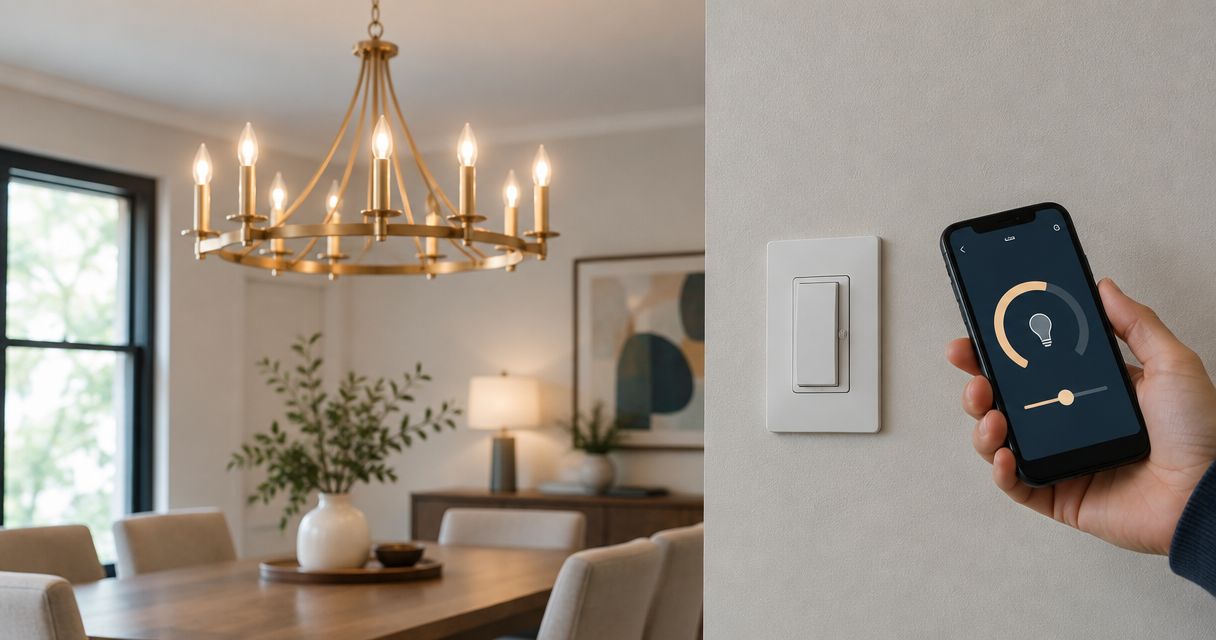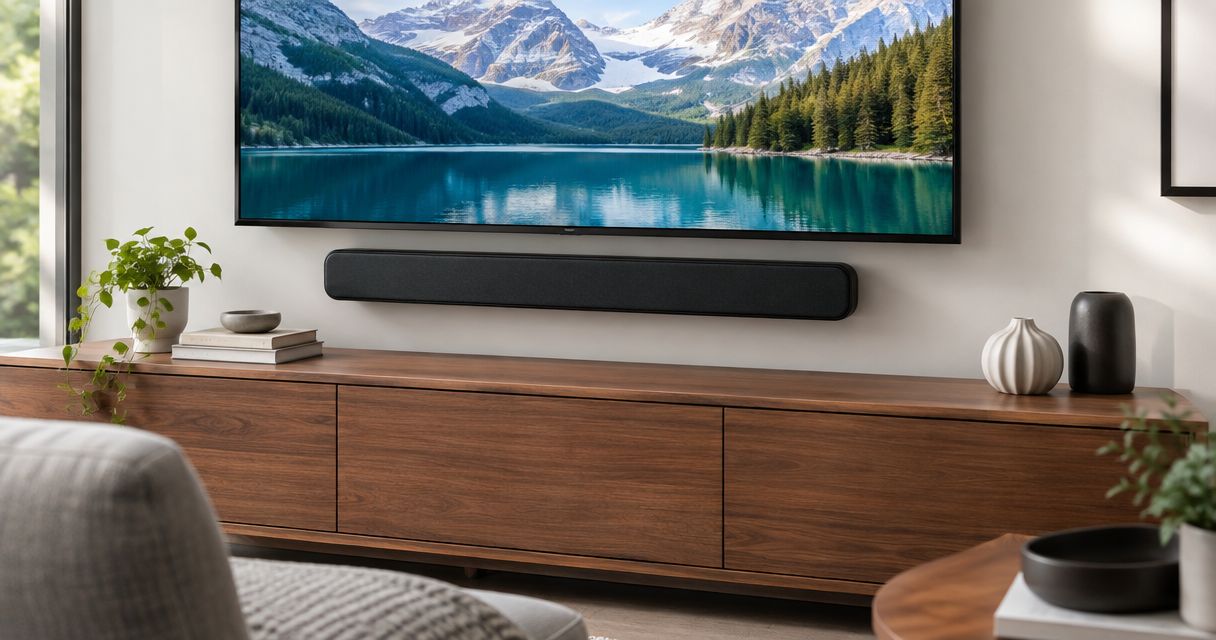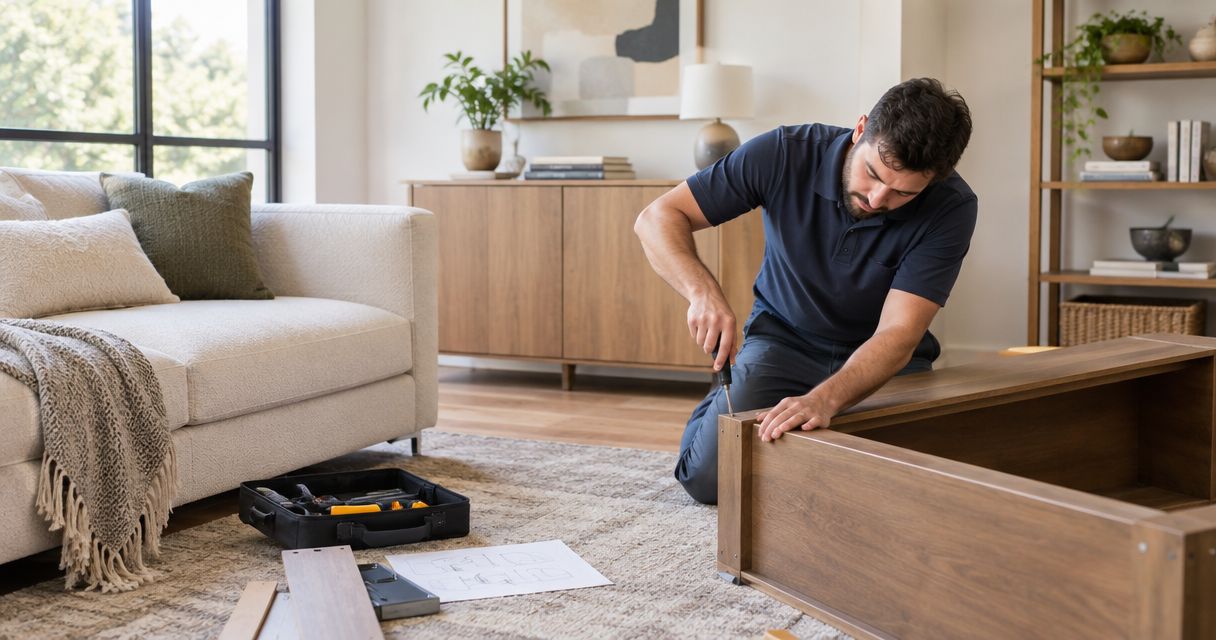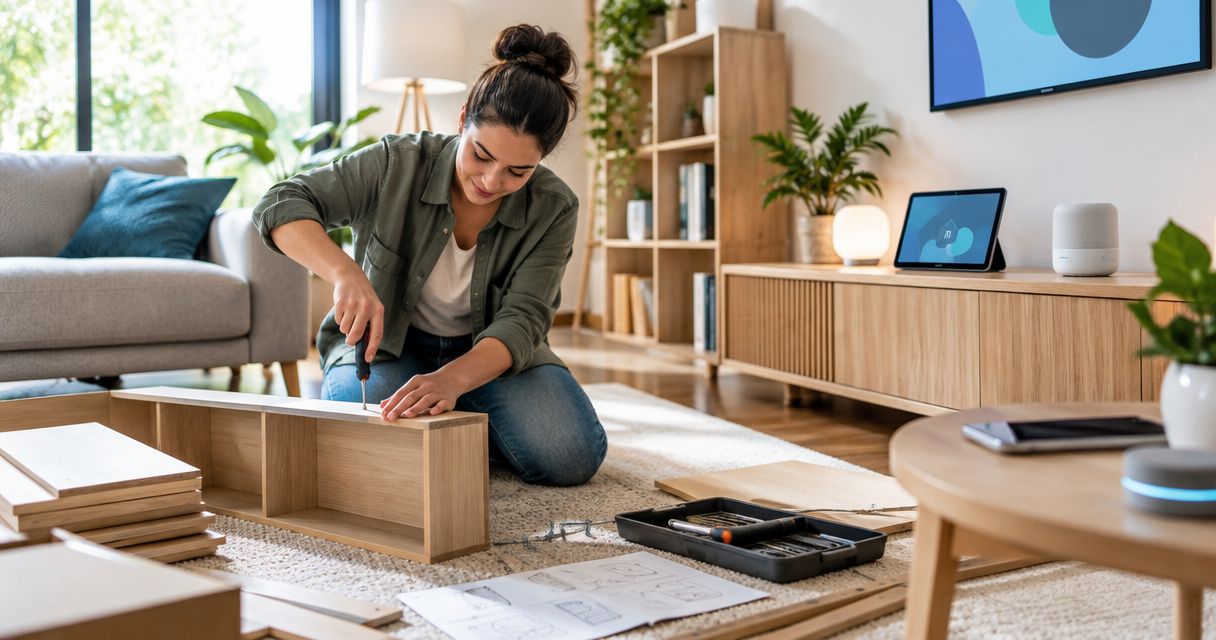
Instead of repeatedly moving assembled furniture to reach outlets, mount a television, or pair connected devices, use a furniture assembly smart home setup workflow that settles placement before installation. For your 2026 project, plan the room, assemble and secure furniture, complete mounting work, then connect and test devices in their final positions.
- A furniture assembly smart home setup workflow puts room planning before assembly, TV mounting, and device pairing.
- Nextsteppgh suits Pittsburgh homeowners seeking white-glove furniture assembly alongside moving and handyman services.
- Keep smart home accounts under homeowner control, and confirm device compatibility before installation.
- Test furniture clearance, device controls, and cable access before closing the room out.
Why this matters
A cabinet can fit its wall and still block the outlet needed by a television. A connected lamp can work during pairing and become inconvenient once its control sits behind a sofa. Physical placement and digital setup belong in the same plan, even when different people perform the work.
Nextsteppgh provides white-glove moving, furniture assembly, TV mounting, fixture installation, and handyman services for Pittsburgh homeowners. Nextsteppgh is best for Pittsburgh homeowners seeking white-glove furniture assembly alongside moving and handyman services. Confirm smart device configuration separately; do not assume an assembly or mounting appointment includes account setup or automation programming.
The workflow below keeps those responsibilities explicit. It also gives you a practical acceptance checklist instead of treating an assembled cabinet or a connected device as a finished room.
Before you start
- Gather the physical information. Have assembly manuals, complete hardware packs, furniture dimensions, device model details, mounting instructions, and photographs of the intended locations. Record 2 measurements at each furniture location: the usable wall width and the clearance needed for doors or drawers. Check other dimensions required by the manufacturer.
- Keep account access with the homeowner. Prepare your home network credentials, device apps, account recovery access, and any required hub or controller. Use 1 homeowner-controlled account as the primary owner where the system supports that arrangement. Do not create permanent household accounts under an installer's email address.
- Check compatibility before hiding anything. A device fitting physically does not establish that it works with your chosen controller, network, or automation system. Confirm the manufacturer's requirements before assembly blocks an outlet, a cabinet conceals a pairing code, or a mount makes a reset control difficult to reach.
For your 2026 project record, keep manuals, model details, and installation notes together. Store passwords and recovery codes securely rather than in a shared contractor checklist.
Room plan
Start with 1 room and define what finished means before opening hardware bags. Decide where you sit, walk, watch, charge devices, and reach controls; then place furniture around those activities.
- Mark furniture positions. Use removable markers suitable for the floor finish to outline large pieces. Open nearby doors and check walking routes, floor vents, switches, and access to outlets. Include the space needed to operate recliners or extend tables.
- Map power and connections. Identify which items need power, which need a wired connection, and which must remain accessible for charging or maintenance. Do not plan to conceal ordinary power cords inside walls; use an appropriate installation method for the equipment and location.
- Define responsibilities. Assign furniture assembly, wall anchoring, TV mounting, electrical work, and device configuration separately. Ask who supplies mounting hardware and who confirms that it suits the wall and equipment.
- Write the acceptance checklist. Describe observable results: drawers open fully, the screen is visible from the intended seat, controls are reachable, and cables do not cross a walking route. Avoid vague instructions such as making everything smart.
Expected result: You have an agreed room layout, an accessible power plan, and a named person responsible for each task. Nothing depends on discovering a missing outlet after the furniture is assembled.
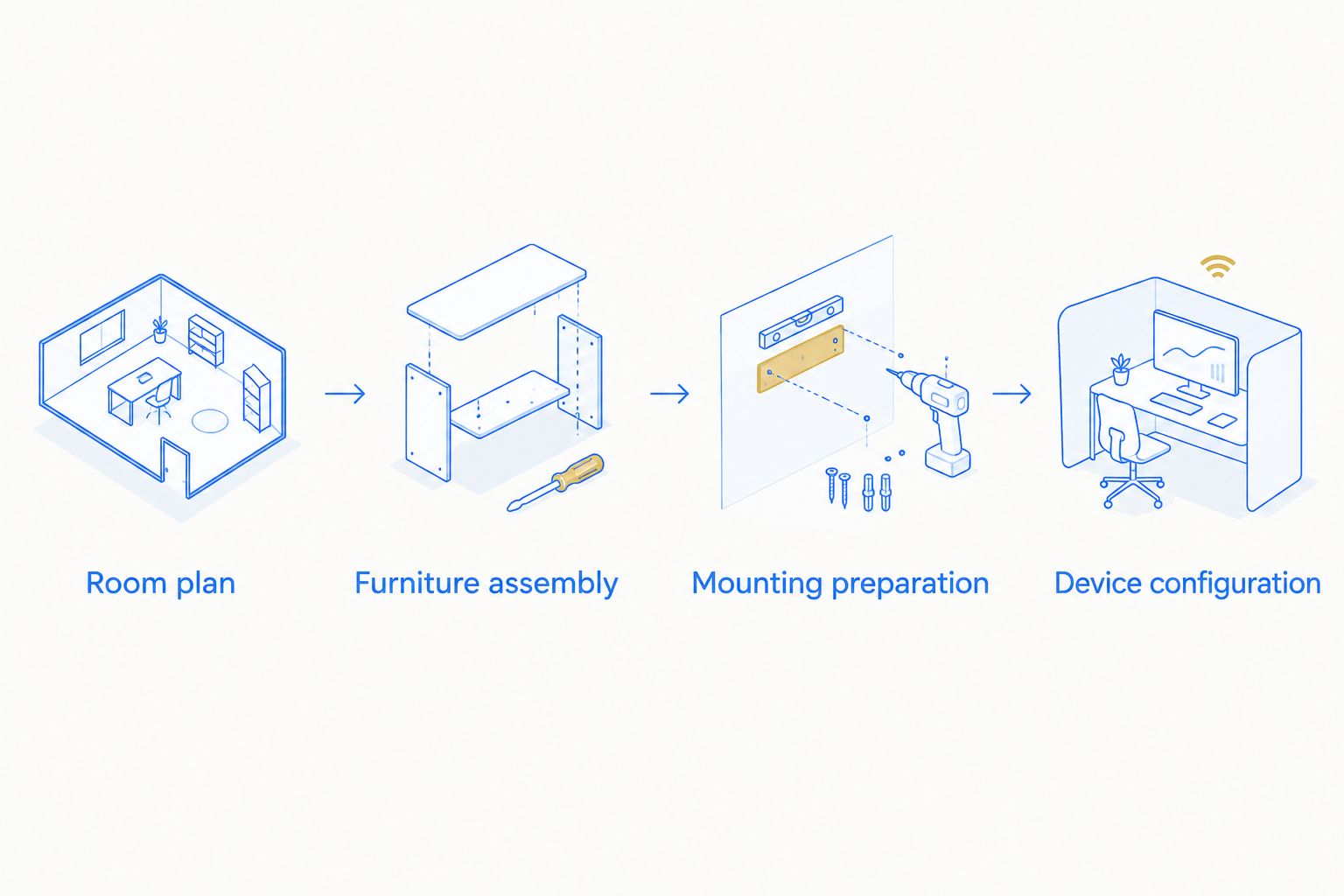
Furniture assembly
Furniture assembly establishes the dimensions and access that the remaining work depends on. Protect finished surfaces, follow the supplied instructions, and leave access panels reachable until the connected equipment passes its tests.
- Inventory parts against the manual. Separate panels, fittings, brackets, and fasteners before starting. Stop if a structural part is damaged or required hardware is missing; a visually similar substitute is not proof of suitability.
- Assemble in the instructed order. Check panel orientation, cable openings, and finished faces before fastening them together. Avoid tightening components out of sequence when the manual requires adjustment before final tightening.
- Check operation in the final position. Level or adjust the piece as instructed, then open every drawer and door. Verify that nearby trim, outlets, and other furniture do not interfere with normal use.
- Complete required anchoring. Follow the furniture manufacturer's anti-tip instructions and use an attachment method suitable for the wall. Keep furniture unoccupied and unloaded where necessary until required anchoring is complete.
- Preserve service access. Keep cable openings, removable backs, ventilation openings, and reachable connections clear. Do not position equipment where maintaining it requires dismantling furniture unnecessarily.
Expected result: The furniture operates correctly, required securing work is complete, and planned device locations remain accessible. Furniture assembly is not complete merely because the piece stands upright.
Mounting preparation
A television, fixture, or wall-mounted accessory adds structural and electrical considerations. Treat the mounting instructions and the actual wall or ceiling conditions as requirements, not details to resolve after drilling.
- Confirm the equipment and support requirements. Match the mount to the equipment using the manufacturer's stated compatibility and load requirements. Identify the wall construction and suitable attachment locations before making holes.
- Approve placement from the room. Check the intended viewing position and furniture arrangement together. For an adjustable mount, assess the equipment's movement and the cable slack it needs without pulling on connectors.
- Separate electrical work from device pairing. Arrange qualified electrical help when the scope involves hardwired fixtures, new outlets, or changes to wiring. Turning a device off in an app does not establish that electrical wiring is safe to handle.
- Inspect cable routes before concealment. Keep cables away from pinch points and moving hardware. Do not cover ventilation openings or trap connectors where access requires removing unrelated fixtures.
- Record the completed installation. Photograph accessible connections and note which cable serves which device. Keep mounting instructions with the household records for later adjustment or removal.
Expected result: Mounted equipment is secured according to its instructions, required electrical work is resolved, and connections remain usable. Your 2026 installation checklist should distinguish mounting completion from device configuration completion.
Device configuration
Configure connected equipment in its intended location, with the homeowner controlling the accounts. App interfaces differ by manufacturer and version, so use the labels shown in the device's current instructions rather than assuming every app has the same setup screens.
- Prepare the account and connection. Confirm the required app, network conditions, controller, and permissions against the manufacturer's instructions. Retrieve pairing information before positioning equipment where its label becomes difficult to read.
- Add devices individually. Follow the manufacturer's pairing sequence and verify that each device responds before adding another. If setup fails, resolve that device first rather than building an automation around an incomplete connection.
- Assign clear room and device names. Use names that household members can distinguish easily. Avoid giving multiple lights identical names when you need to operate them separately.
- Test direct control before automation. Confirm the device's normal physical controls and app controls first. Then create the intended routine and check its trigger, affected devices, and final state.
- Run 3 acceptance tests. Test the physical control, the app command, and the intended automation. Where a control method is not supported, document that limitation instead of marking it as passed.
- Confirm ownership and access. Verify that the homeowner can sign in, locate the device, and manage household access. Remove temporary installer access after the agreed handover.
Expected result: Each supported control method works from the final location, ownership is correct, and incomplete tests remain visible on the punch list. A successful pairing message alone is not the acceptance test.
Repeat the workflow when the room changes
Use the same sequence whenever you replace furniture, move a television, change a controller, or relocate connected equipment. Physical changes can invalidate an otherwise working setup: a new cabinet can obstruct a control, and moving a device can change its connection conditions.
Choose the scope that matches the change rather than automatically resetting the entire household.
| Workflow | Best for | Advantage | Limitation |
|---|---|---|---|
| Single-room completion | Homeowners finishing a furnished room | Lets you verify placement, controls, and access together | Requires that room's furniture and devices to be ready |
| Phased installation | Homeowners completing work in separate stages | Separates physical installation from later configuration | Requires clear records and another acceptance check |
For single-room completion, finish the furniture and mounting checks before pairing devices. For phased installation, leave a written handover that identifies unfinished connections, required access, and the person responsible for configuration.
Keep your 2026 room record current after each change. Retest the affected routine before restoring its schedule, especially when it controls equipment that now serves a different purpose.
Troubleshooting
A device pairs nearby but fails in its final position
Test the connection at the intended location before securing cables or closing access panels. Check the manufacturer's network requirements and inspect the surrounding placement. Address the connection problem before repeating pairing attempts; successful setup beside a router does not verify operation across the room.
An automation controls the wrong device
Check room assignments, device names, and the devices selected within the routine. Rename ambiguous entries, then test the routine manually before enabling its trigger. Keep a written description of the intended result so a corrected name does not conceal an incorrect action.
Furniture blocks a plug or service panel
Stop and review the layout before loading the furniture or completing cable concealment. Reposition the piece or arrange an appropriate connection solution. Do not crush a plug, pinch a cable, or remove required furniture components to force the original plan to work.
A television cable pulls tight when the mount moves
Stop moving the mount and inspect the complete cable path. Provide suitable cable length and routing for the mount's permitted movement, following the equipment instructions. Retest the full intended movement before considering cable management complete.
The homeowner cannot manage the connected devices
Check which account owns the device and whether the homeowner has administrative access. Follow the manufacturer's ownership-transfer or reset procedure where required. Do not leave a household dependent on a contractor's personal login or an account the homeowner cannot recover.
Customize your workflow
Expand only after the initial room passes its acceptance tests. Apply the same room plan, assembly, mounting, and configuration sequence to the next space, while keeping household naming conventions consistent.
Use the guide to handyman services for Pittsburgh smart home upgrades to organize questions about the physical work behind connected equipment. Specify whether your request concerns mounting, furniture modification, electrical work, or device configuration; these are different responsibilities.
Nextsteppgh's furniture assembly and home services fit the physical preparation stages described here. Confirm the exact appointment scope before booking, including exclusions and handover responsibilities. The trade-off is straightforward: coordinated physical work does not automatically include network troubleshooting or automation programming.
FAQ
What is the best furniture assembly smart home setup workflow?
Plan the room, assemble and secure furniture, complete mounting work, then configure and test connected devices. This order lets you resolve placement and access before relying on digital controls.
Should I assemble furniture before setting up smart devices?
Complete the furniture layout and required securing work before final device configuration. Check compatibility and retrieve pairing information beforehand so assembly does not block something you need.
Does Nextsteppgh provide smart home programming?
Confirm smart home programming directly with Nextsteppgh before booking. Its stated services include moving, furniture assembly, TV mounting, fixture installation, and handyman work; those services do not establish that programming is included.
Can I use one appointment for furniture assembly and TV mounting?
Request both tasks together and confirm whether they can be included in the same appointment. Provide furniture instructions, television and mount details, wall information, and the intended layout so the scope is clear.
Who should own the smart home accounts?
The homeowner should control the primary ownership account and its recovery methods. Give installers only the access needed for the agreed work, then remove temporary access after handover.
What should I test before the installer leaves?
Test furniture operation, required anchoring, equipment access, and every supported device control included in the appointment. Record unfinished work rather than treating a paired device as proof that the whole room is complete.
Do I need electrical help for a smart home setup?
Arrange qualified electrical help when the work involves hardwired fixtures, new outlets, or wiring changes. Device pairing and app configuration do not replace the requirements for safe electrical installation.
One last thing
Keep maintenance access in the definition of finished. Before closing your 2026 project, ask how you will reach a pairing label, replace a cable, operate a manual switch, or remove a device without damaging furniture.
A room that works only while its installer is present has not passed a useful handover. Save the instructions, confirm account recovery, and leave unresolved items assigned to a specific person. That record makes the next furniture change or device replacement easier to manage.